Demat Account (Zerodha) Guide
Open a Demat account with Zerodha
Zerodha
Sign Up & Verify Details
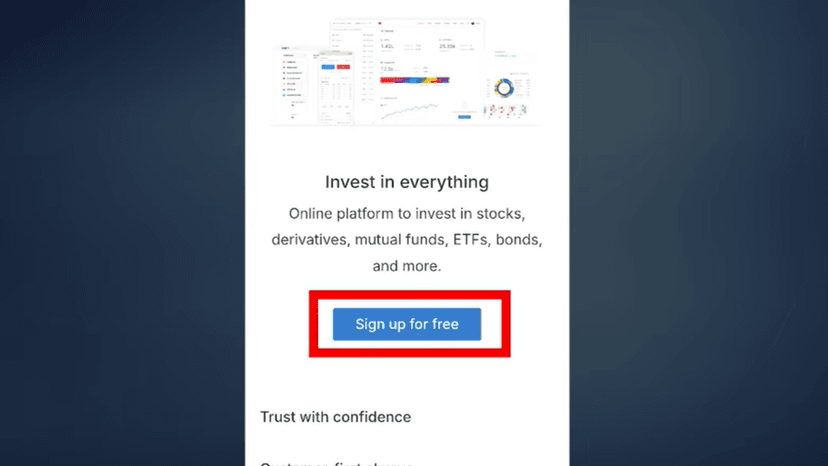
Click Sign Up for Free
Enter your Mobile Number
Click Get OTP
Enter the OTP
Click Next
#Email Verification
Enter your Email ID
You will receive an OTP on email
Enter the OTP
Click Next
#PAN Verification
Enter your PAN Card Number
Enter your Date of Birth
Tick the checkbox to accept terms
Click Continue
Select Segments & Complete Aadhaar KYC
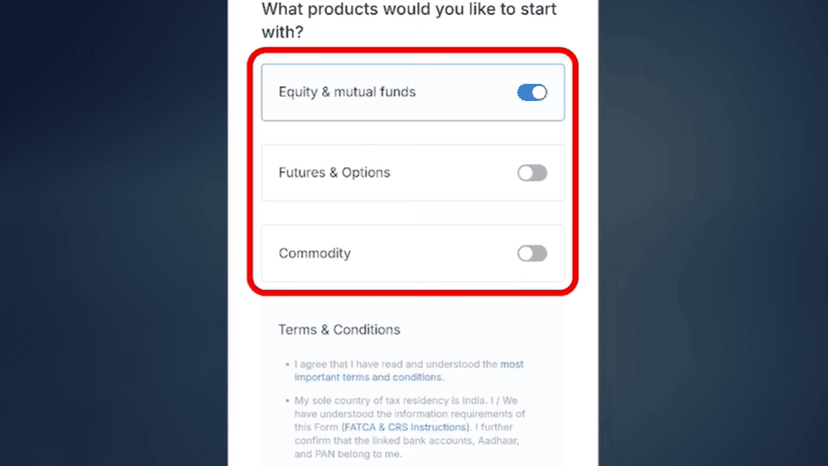
#Select Trading Segments
Choose the segments you want:
- Equity & Mutual Funds
- F&O (Futures & Options)
- Commodity
If unsure, you can select all
Accept the Terms & Conditions
Click Continue
#Aadhaar KYC
Click Continue to start Aadhaar KYC
Enter your Aadhaar Number
Enter the Captcha
Click Next
You will receive an OTP on your Aadhaar-linked mobile number
Enter the OTP
Click Continue
#DigiLocker Verification
Enter your 6-digit DigiLocker Security PIN
Click Continue
Tick the checkboxes for:
- Aadhaar Card
- PAN Card
Click Allow
Wait for a moment while your details are fetched automatically
Personal Details, Bank Account & Photo Verification
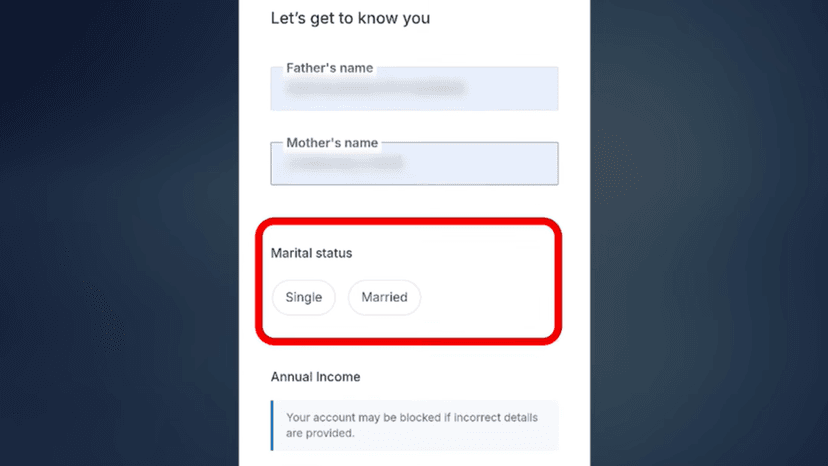
Enter Father's Name and Mother's Name
Select:
- Marital Status
- Annual Income
- Trading Experience
- Occupation
#Running Account Settlement
Select Quarterly or Monthly
#Politically Exposed Person (PEP)
Select No
Click Continue
#Link Your Bank Account
Link your bank account using:
- UPI
- Manual Bank Details
Verify your Bank Account Information
Click Continue
#Webcam Verification
Click Capture
Take your photo using the front camera
Upload the captured profile photo
Signature, Income Proof & Nominee
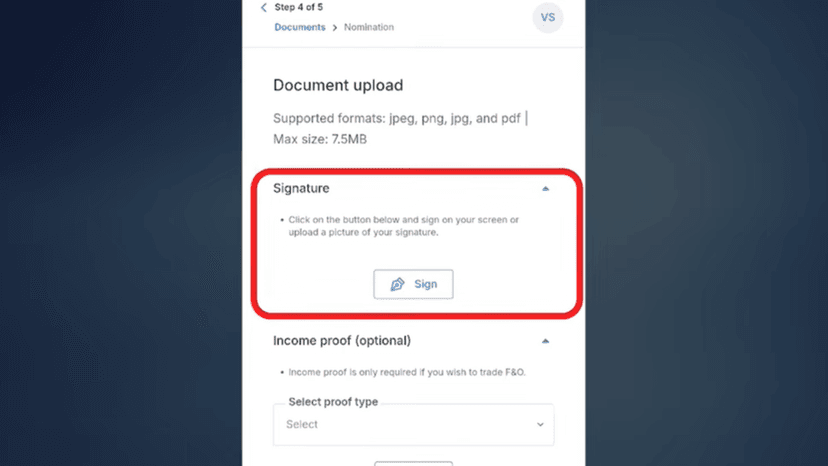
#Signature
Click Sign
Either:
- Sign directly on the screen
- Upload your signature
Click Save
#Income Proof (Optional)
Upload Income Proof if you want to trade in Futures & Options (F&O)
If you only want Equity / Mutual Funds, you can skip this
Click Continue
#Add Nominee
Enter nominee details:
- Name
- Email ID
- Mobile Number
- Relationship
- Percentage of Share
- Nominee PAN
- Date of Birth
- Address
Click Continue
e-Sign & Account Activation
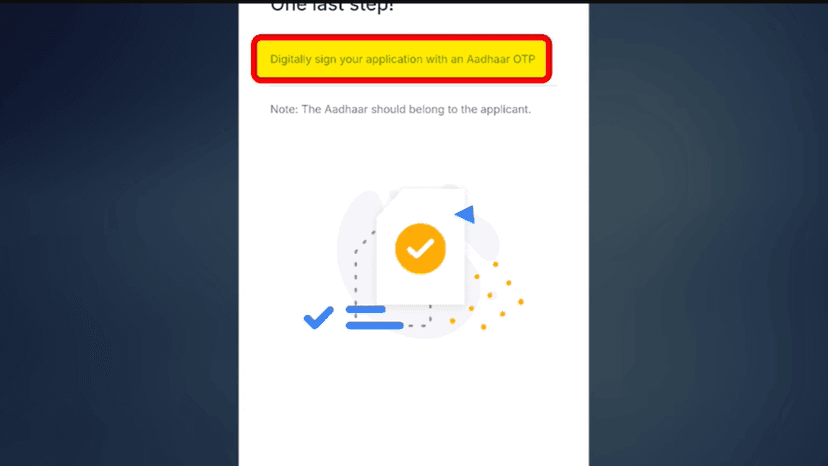
#Aadhaar e-Sign
Click Continue
You will see the application form
Click Sign Now
Enter your Aadhaar Number
Tick the checkbox
Click Get OTP
Enter the OTP received on your Aadhaar-linked mobile
Click Verify
#Application Review
Your Application ID will be generated
Your account application will now be reviewed
#Login to Trading Platform
After approval, you will receive your User ID
Click Login to Kite
Set your Password
Choose how you want to use the platform:
- Mobile App
- Web Version
Your Zerodha Demat Account setup is now complete
Done! Form Complete 🎉
Follow all the steps above and your form will be successfully submitted.
Apply Now